Join
Download the Careem app, select the Bike tile and click, ‘Scan to ride’ and pay as you go or choose the perfect pass for you.
We use cookies to improve your experience, analyse traffic, and personalise content. Learn more

 Bike
Bike your way, every day.
Download the Careem app, select the Bike tile and click, ‘Scan to ride’ and pay as you go or choose the perfect pass for you.
Find the nearest station, unlock the bike by scanning the QR code, and you’re set!
Dock your bike at any Careem Bike station; wait for the green light and buzzer sound from the dock to make sure it’s locked. In Abu Dhabi, ensure to dock your bike or park at the designated parking zone and tap ‘End’ in the app to complete the ride.
Choose from a variety of passes to suit your needs.
| Pay as you go | Daily | Monthly |
|---|---|---|
| Unlock fee, then per minute rate | Unlimited unlocks for 24hrs | 90 unlocks for 30 days |
| T&Cs apply | ||
| *All prices are inclusive of 5% VAT | ||
| Pay as you go | Daily |
|---|---|
| Unlock fee, then per minute rate | Unlimited unlocks for 24hrs |
| T&Cs apply | |
| *All prices are inclusive of 5% VAT | |
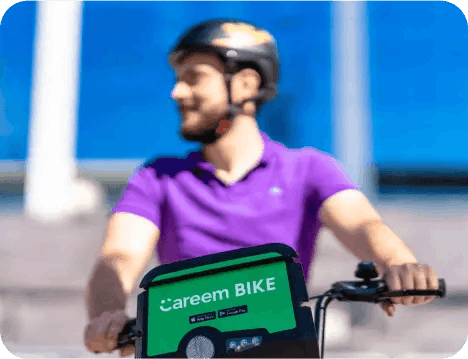
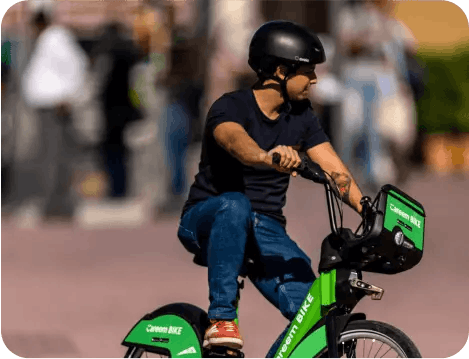
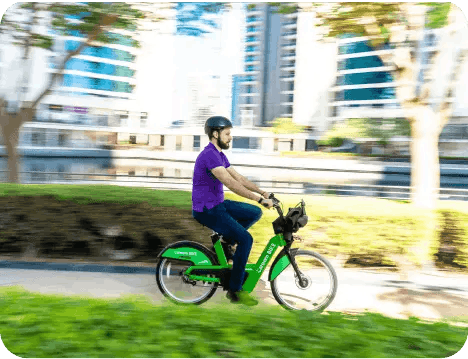
Careem Bike is the most sustainable way to get where you’re going while getting exercise and having fun!
Careem E-Bike is available in Dubai, Abu Dhabi (UAE) & Madinah (KSA). To find the nearest station near you follow the below steps after opening the Careem App. Click on Bike and you will be able to see the Map with stations close by to you. Select a working station closest to you and unlock a bike.
Open the Careem app and select Bike from the home screen. Scan the QR code on any of the bikes in the station, and your trip will automatically start.
No, return your bike at any station with capacity.
In the Bike section of the app, you can select the nearest station and it will show you the number of available bikes and empty docks.
For more information, refer to our FAQs.