







Top questions
Can I transfer my wallet balance to my bank account?
Yes, you can receive payments at any time. To transfer your balance to your bank account, you’ll just need to verify your identity once. After that, you can transfer all or part of your balance whenever you like.
Can I send or request money from someone who does not have the Careem app?
When you send or request money from someone who doesn't have the Careem app, they’ll receive a link to download it to complete the transaction.
If they choose not to download the app, no money will be deducted from your account.
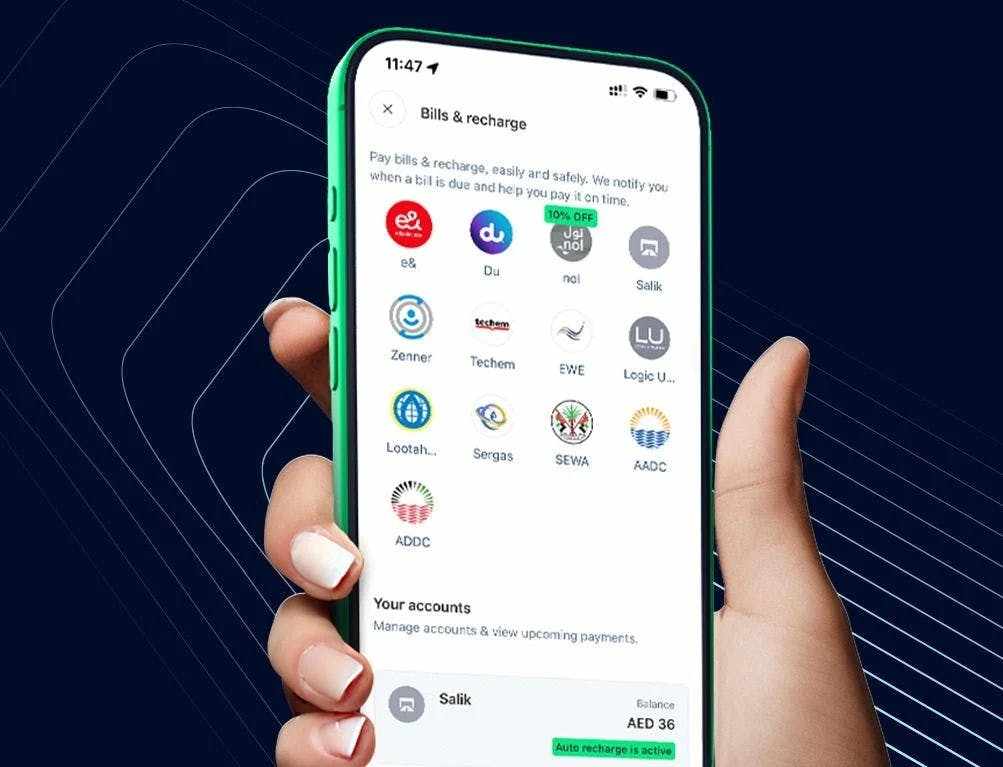
Are there additional charges for paying bills on Careem?
There are no charges applied to pay bill from your Careem account
Is Careem licensed for international transfers?
Careem Pay provides international money transfers in partnership with Lulu Exchange. This service is fully authorized and regulated by the Central Bank of the UAE.
How to use this service?
Simply follow the below steps:
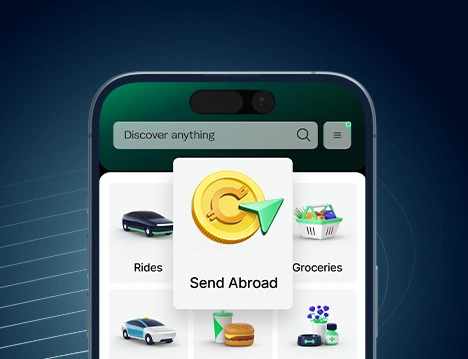
1. Select ‘Pay’ from the app homepage.
2. Select ‘Send Abroad’.
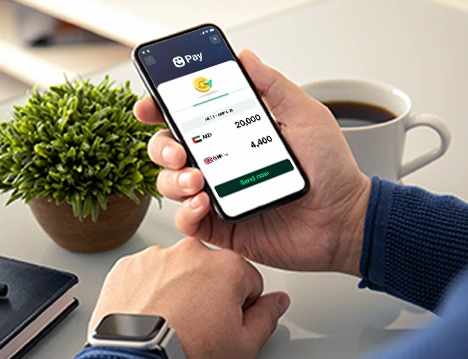
3. Enter the amount you want to send in (or in the recipient's currency) and choose the destination country
4. Click on 'Continue'
5. If it’s a new recipient click on 'Add' on the top right corner
6. Select who you're sending the money to enter the required details
7. If it's an existing recipient, select your recipient from the list
8. Choose your payment method
9. Tap ‘Pay’ to complete the transferNote:
- This service is currently exclusive to the UAE.
- To access this service, you must complete a mandatory identity verification. Please have the following documents ready:
- Original Emirates ID
- Valid/Updated UAE Visa
- This service is currently exclusive to the UAE.
How do I add a new recipient?
Simply follow the below steps:
1. Click on 'Pay' from the home page
2. Enter the amount you want to send
3. Click on 'Continue'
4. Select 'Add' from top right corner
5. Fill in the recipient’s bank details or account number, full name, and nationality
6. Click on ‘Add’
7. Select your payment method.
8. Tap on "Pay" to complete the transferHow do I edit recipients?
Simply follow the below steps:
1. Click on 'Pay' from the home page
2. Enter the amount you would like to send
3. Click on 'Continue'
4. You will be shown a list of existing recipients.
5. Click on the 'three dots' next to the recipients name
6. Select 'See recipient details'
7. Click on the 'Edit/Pencil' icon on the top right corner
8. Enter the details you want to change.
9. Select ‘Save’How long does it take for the recipient to receive the money?
Most transfers are verified within 15 minutes, and the recipient usually receives the money instantly after that.
We operate 24/7, including weekends and holidays, so your transfers can be processed anytime.
Good to know: First-time transfers or transfers to some accounts may take up to 24 hours or the next working day Egypt: Transfers are processed within 24 hours. If you send money on Friday or Saturday, it will be completed on the next business day
Pakistan, Philippines, USA, Australia, Saudi Arabia: Transfers are processed within 24 hours. If you send money on Friday or Saturday, it will be completed on the next business day
UK and Europe: Transfers are processed within 24 hours, but some can take up to 3 working days due to mandatory compliance checks from both sender and receiving institutions
Bangladesh, Turkey: Transfers are processed within 24 hours, but some can take up to 2 working days due to mandatory compliance checks from both sender and receiving institutions
Canada: Transfers are processed within 1 working day, but some can take up to 3 working days due to mandatory compliance checks from both sender and receiving institutions
How is identity verified?
Follow these quick steps:
1. Tap ‘Pay’ on the app home screen.
2. Select ‘Verify now’ under ‘Identity verification needed’.
3. Grant camera access and tap ‘Start your verification’.
4. Take a clear photo of the front and back of your Emirates ID.
5. Tap ‘Start Camera’ for your selfie video and follow the on-screen shapes and prompts.
6. Wait for the confirmation message. We’ll keep your data safe and secure.You can check your status anytime in Careem Pay. If you send money now, we’ll line up the transaction and send it automatically once you're verified.
Where can I find my Tax Invoice?
You will receive your Tax invoice on your email which is registered with Careem App.
